How We Test: Our Controller Testing Methodology
Every guide, number and recommendation on Gamepad Tester Pro comes from direct testing of our web tool — not from rewriting other websites. This page documents exactly how we test, so you can judge our claims for yourself.
The tool
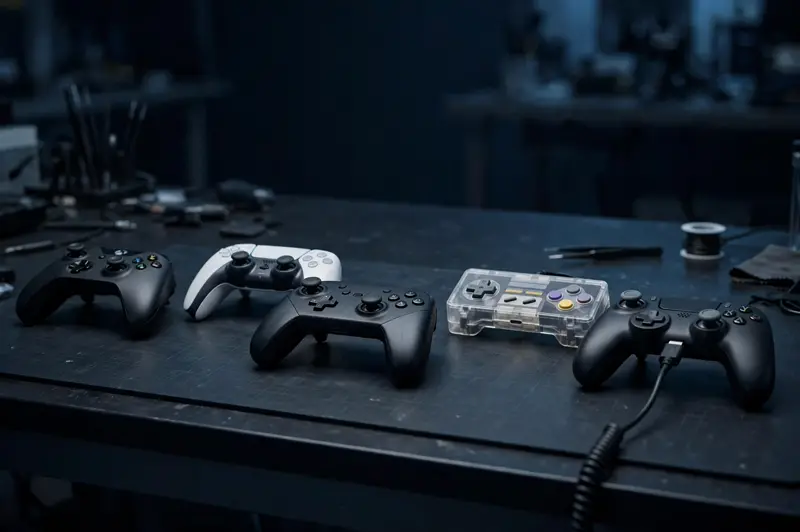
Our tester reads your controller through the W3C Gamepad API, the open browser standard that exposes buttons, axes and vibration actuators to web pages. It samples inputs every animation frame and displays: button state and analog value (0.00–1.00) for all 17 standard inputs; stick X/Y position to two decimal places; trigger travel across its full range; vibration via the GamepadHapticsActuator interface where the browser supports it.
The tool runs entirely client-side. No input data is transmitted, stored or logged — which also means our measurements can't be faked server-side. What you see is what your browser reports.
How we validate
We validate the tester with software-simulated gamepads that exercise the full Gamepad API surface — all 17 standard inputs, both sticks, triggers and vibration actuators. This verifies the tool correctly reads and displays every signal a browser can report. Automated checks re-run against current Chrome and Edge behavior.
Technical guidance in our articles is based on documented browser Gamepad API behavior and manufacturer platform specifications.
What we don't claim (yet)
We have not yet completed hands-on testing with physical controllers. When we do, this page will document the exact hardware, browsers and protocol used.
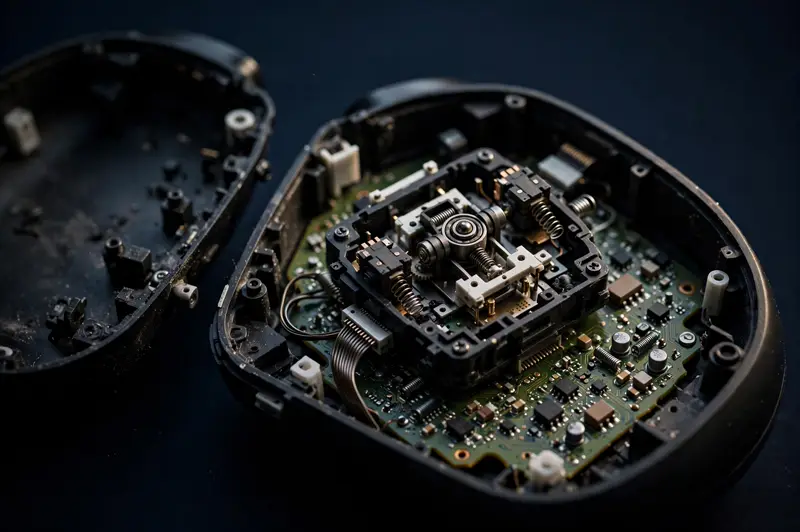
We don't claim laboratory-grade polling-rate measurement — browsers can't see USB report rates, and we say so on the relevant pages.
Corrections
Found an error? Email gamepadtesterpro@gmail.com with the controller model, browser and what you observed — we investigate, correct, and note the correction date on the page.
Last updated: October 2026.