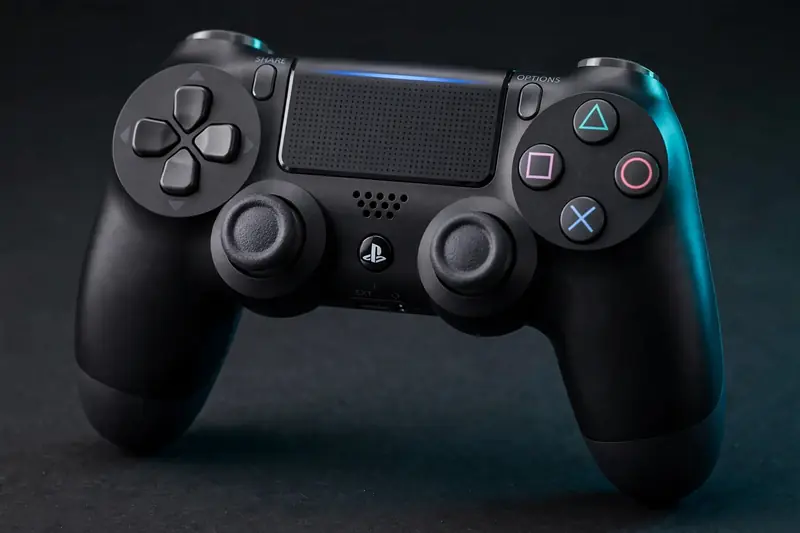
You can test your PS4 DualShock 4 online in about 30 seconds — no downloads, no accounts. Connect via micro-USB cable or Bluetooth, open the free gamepad tester, and press every input. The tool reads the controller through your browser's Gamepad API and highlights each button, stick, and trigger in real time.
How do I test my DualShock 4?
Connect the controller, open the tester, and work through every input: face buttons, D-pad, bumpers, triggers, stick clicks, the touchpad press, and both analog sticks. Each input lights up instantly. Give the sticks extra attention — drift is the most common issue on aging DualShock 4 controllers.
Rotate each stick in a slow full circle and watch the on-screen dot track smoothly. Then release and confirm it returns to center. The DualShock 4 is an older controller now, and worn stick modules are the number one reason these controllers fail — the test makes it obvious in seconds.
Also press the L2/R2 triggers slowly and confirm a smooth 0–100% sweep. The DS4's triggers use springs that weaken over time; a trigger that jumps straight to 100% or never reaches it has a mechanical problem, not a software one.
How do I connect it to PC?
Plug in with a micro-USB data cable for instant recognition, or hold the PS and Share buttons together until the light bar flashes, then pair it in your PC's Bluetooth settings. Windows usually lists it as "Wireless Controller," which is normal.
For full features — touchpad gestures, light bar control, and proper game support — install DS4Windows. It presents the DualShock 4 to games as an Xbox 360 controller (XInput), which is what most PC games expect. Steam's built-in PlayStation support does the same job if you'd rather not install extra software.
One caveat for testing: close DS4Windows and Steam before running the browser test. Both remap the controller behind the scenes, and the tester needs the raw inputs to give you an honest reading. You can reopen them after the check.
Does the touchpad work in the browser test?
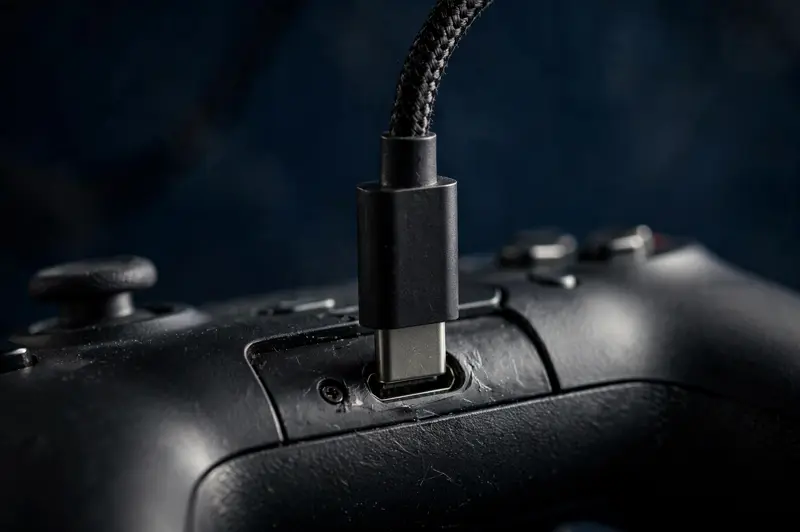
The touchpad's physical click registers as a standard button press in the test, but swipe gestures and multi-touch data never reach the browser — the Gamepad API only exposes simple button states. For full touchpad features, use DS4Windows on the desktop instead.
For diagnostics, the click is what matters most. Press the touchpad firmly and confirm it registers cleanly every time. The click mechanism wears with use, and a touchpad that only clicks on hard presses has a tired switch underneath.
If you rely on touchpad swipes in games, test those separately in DS4Windows' own interface, where the full touch data is visible. The browser test covers every input the web standard can see — which is everything except gestures.
Common DualShock 4 issues
The most common DS4 problems are batteries that die within an hour, analog sticks that drift, and face buttons that feel mushy or need hard presses. Test each input in the gamepad tester first — if a stick drifts at rest, try our controller calibration guide before assuming the hardware is dead.
Battery aging is inevitable: the original cells are years old now, and a controller that dies quickly usually just needs a replacement battery — a cheap part and a straightforward swap. Don't confuse it with a deeper fault.
For worn sticks, calibration can mask minor drift, but it can't fix a physically worn potentiometer. If the resting value won't settle near zero after calibration, our stick drift fix guide covers cleaning and module replacement options.
Frequently asked questions
Can I test two DualShock 4 controllers at once?
Yes. Connect both controllers and the tester shows a tab for each one, letting you switch between them. This is handy for comparing a suspect controller against a known-good one side by side.
Does the light bar color mean anything in the test?
No — the color is cosmetic and set by software, not the browser. Some desktop tools change it, but web pages can't control it. The color has no effect on input testing.
Why won't my PC recognize the controller over USB?
Almost always the cable: many micro-USB cables are charge-only and carry no data. Try a known data cable, a different USB port, and check Windows Device Manager for the controller entry before suspecting the controller itself.